From one coop to a whole factory farm
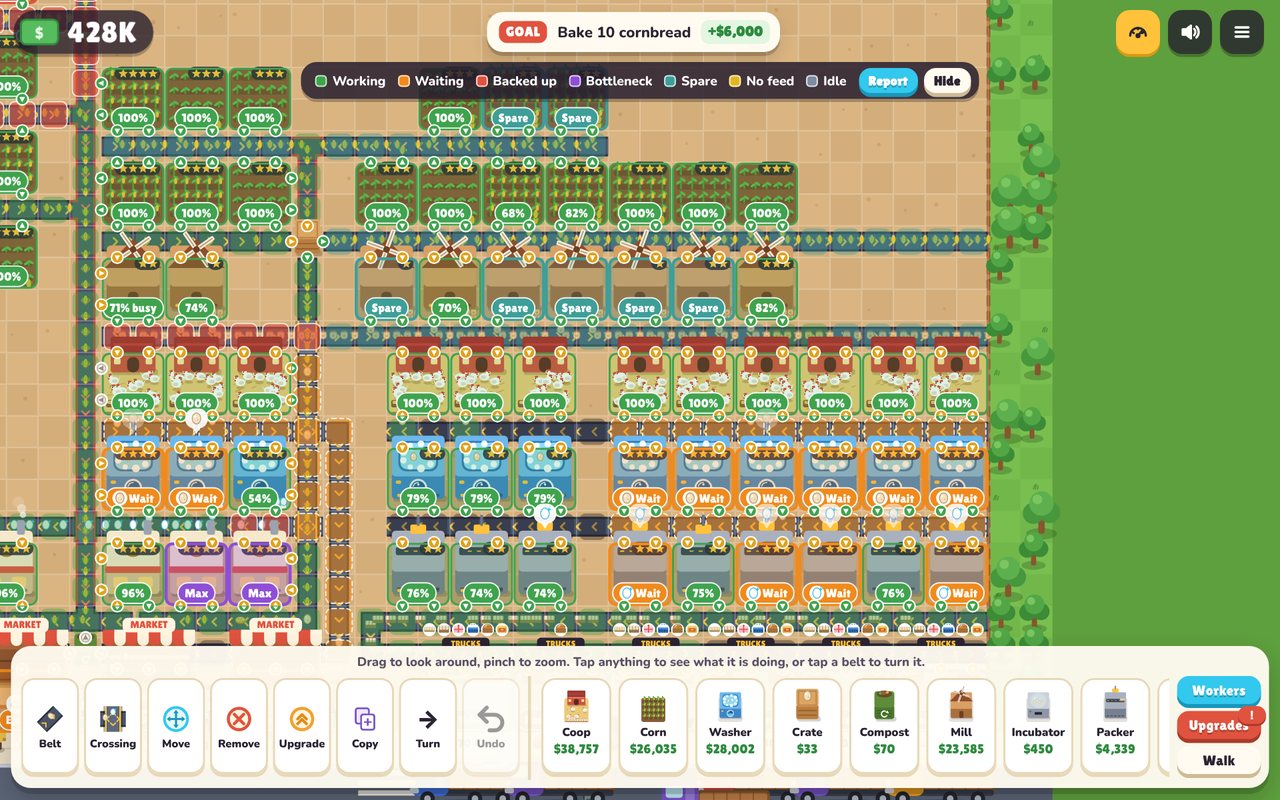
Carry your first eggs to market by hand. Then lay conveyor belts that move eggs, corn, milk and bread between coops, mills and bakeries while you plan the next expansion.
What you do
Start small
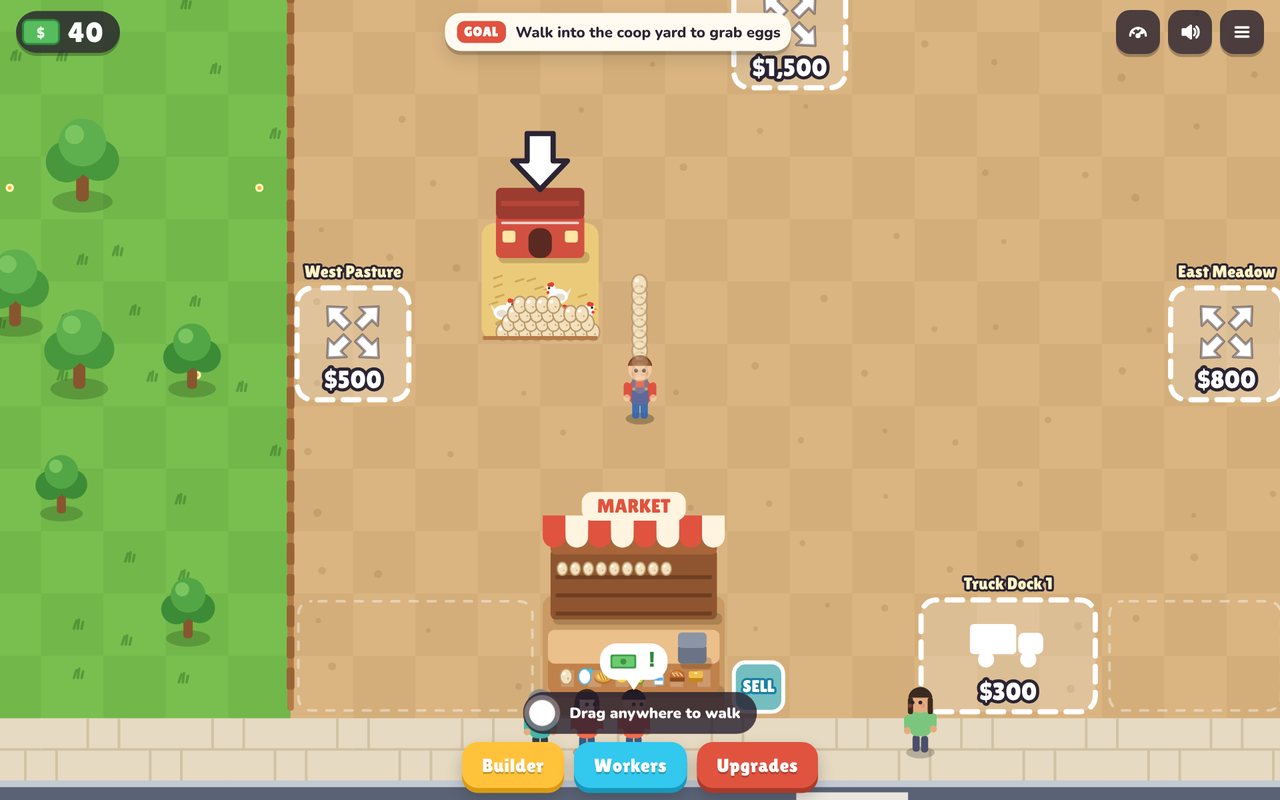
Walk your farmer, collect eggs and sell them. Follow the goal at the top and each step pays a reward.
Automate it
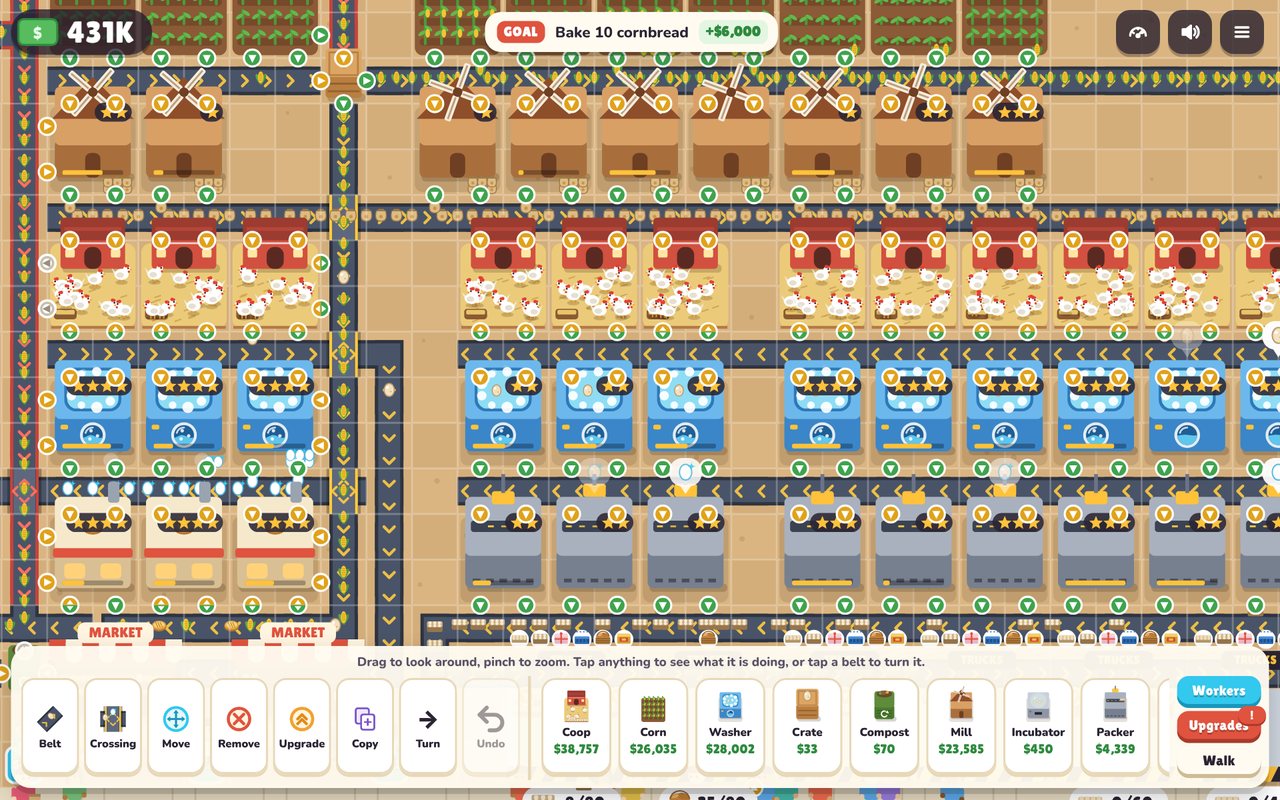
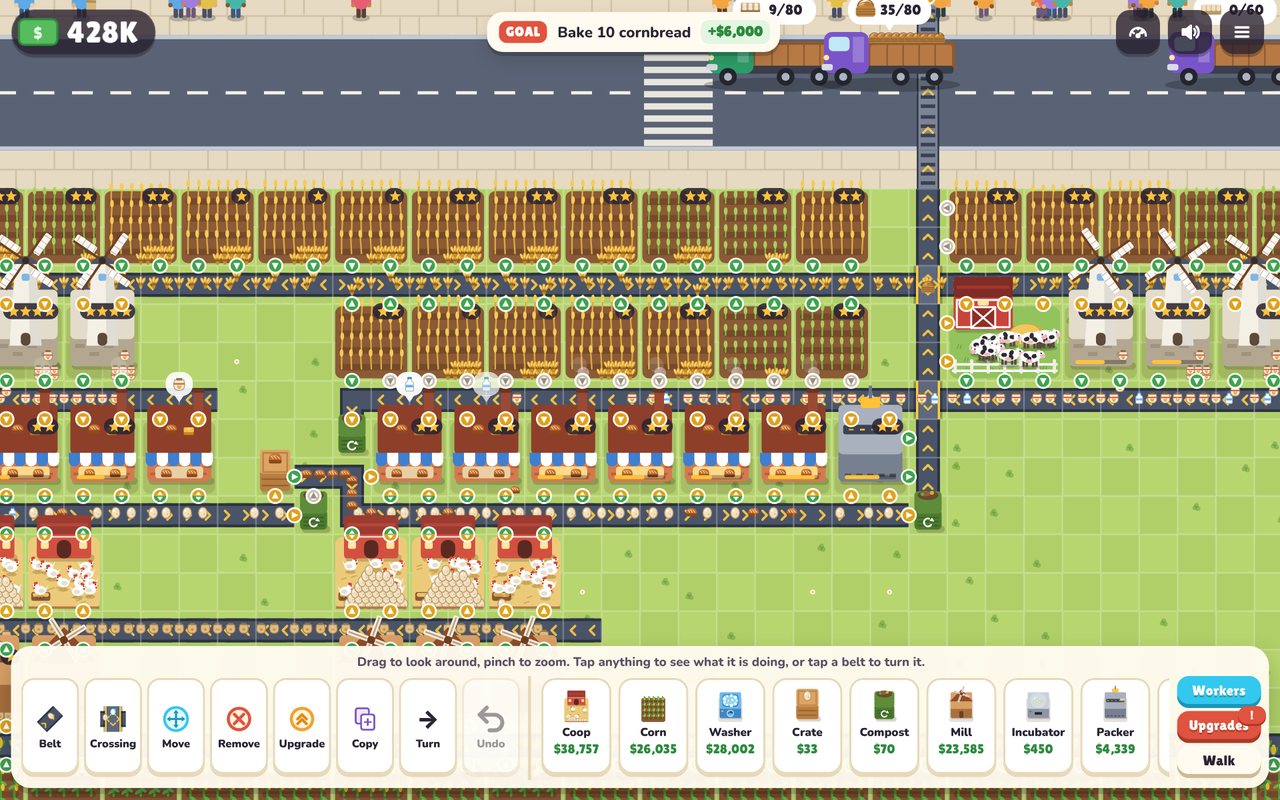
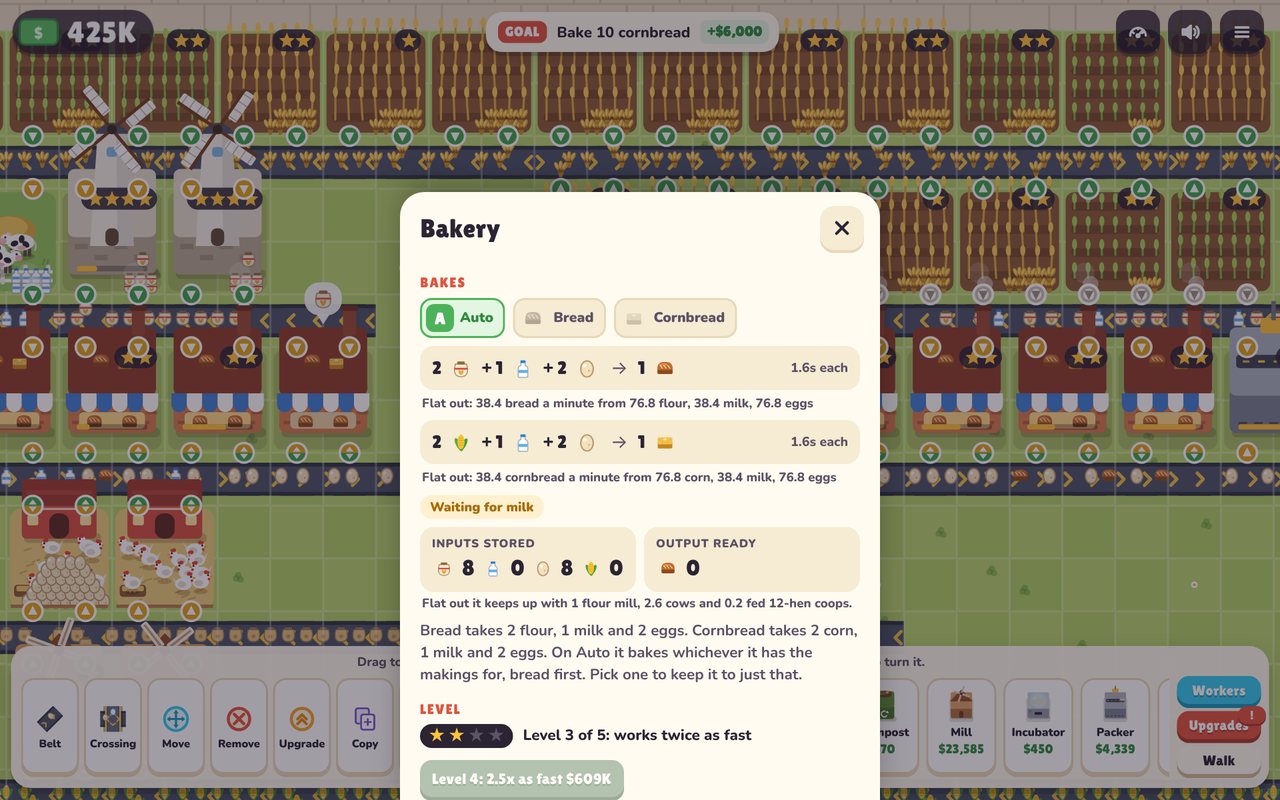
Open the Builder and lay belts. Buildings grab what they need as goods roll past, so one belt can feed a whole row.
Find the slow step
Upgrade it, add a hen, speed up a belt line, or copy a section that works and paste it somewhere new.
On a Fire tablet
Cluckworks is on its way to the Amazon Appstore. Once it's there, parents can add it to a child's Amazon Kids profile like any other app.
Want to try it before then? You can install the app file on a parent profile. Amazon Kids profiles only show apps from the Appstore.
- On the parent profile, open Settings, then Security & Privacy, then Apps from Unknown Sources, and turn it on for Silk Browser.
- Open this page in Silk and tap Download the app below.
- Open the download and tap Install. Then turn Apps from Unknown Sources back off.
Made to be safe for kids
- Plays offline
- No ads
- No purchases
- No accounts or chat
- Collects nothing
The app asks for no permissions at all, not even internet. Your farm saves on the device. Read the privacy policy.